Requirements
- VPS or Dedicated server with cPanel
Installing SitePad
Step 1
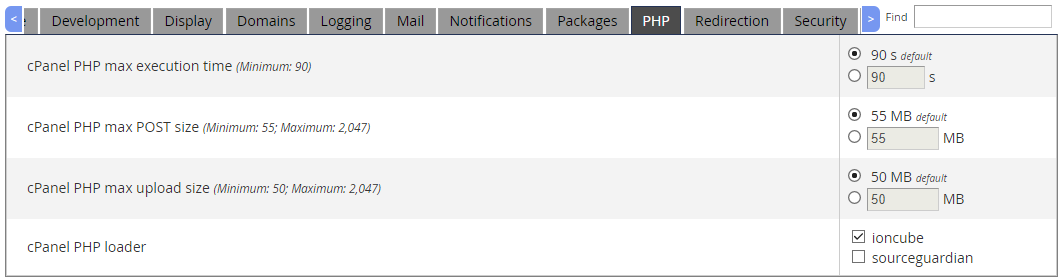
Go to WHM > Server Configuration > Tweak Settings
and select PHP under the slider
Select cPanel PHP loader as ioncube
Step 2
Go to Putty and login as root user
then proceed these command lines
wget -N http://files.sitepad.com/install.sh
chmod 755 install.sh
./install.sh
Access SitePad
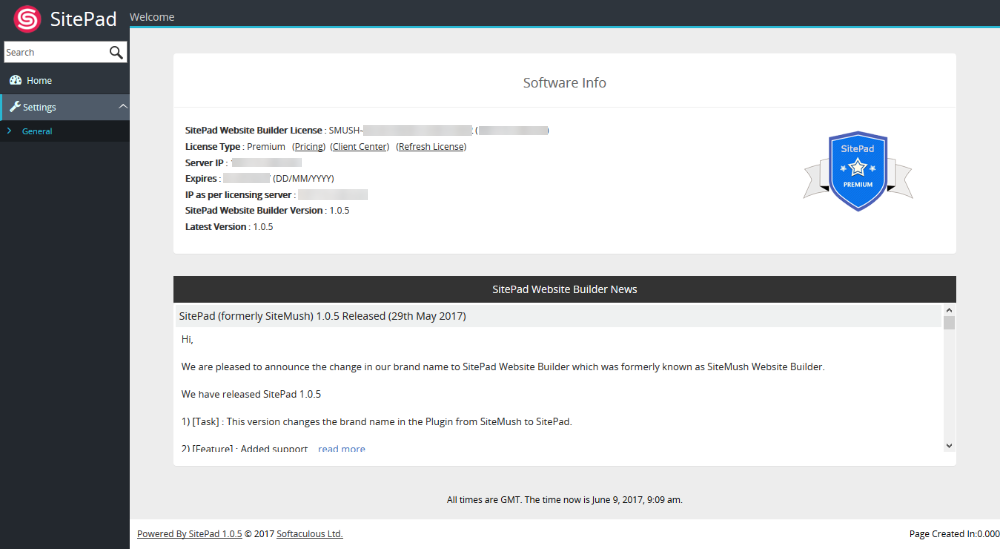
Now go to : WHM > Plugins (Add-Ons on older versions than 11) > SitePad Website Builder
You will see software information if you
That's it the installation of SitePad is completed!